Y99 Customer Support – Get Help With Your Account
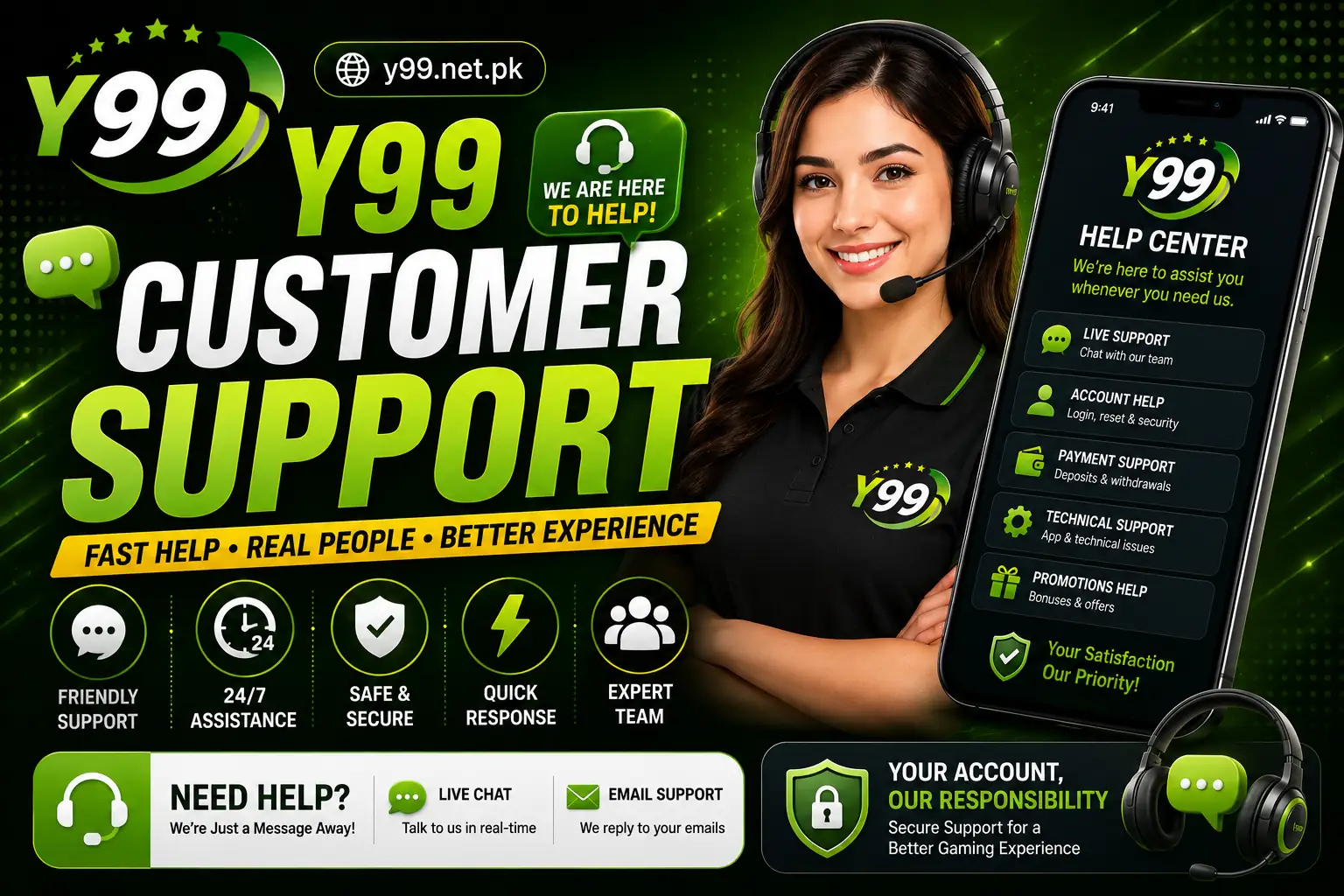
Getting stuck with an account issue can be frustrating, particularly when the problem involves login access, payments, verification, or a transaction that has not been completed. Y99 Customer Support is intended to help users find assistance when they encounter difficulties while using the platform or need clarification about a particular feature.
Different problems may require different solutions, so it is useful to identify the issue before contacting support. Providing clear details about what happened can make it easier for the support team to understand your request and guide you through the appropriate steps.
When Should You Contact Y99 Support?
Not every problem requires assistance, but some situations are better handled directly through customer service.
You may need help with:
- Login or account-access problems
- Forgotten password issues
- Account verification
- Deposit-related questions
- Withdrawal enquiries
- Transaction status
- Technical difficulties
- Promotional or bonus questions
- Account-security concerns
If your issue involves a financial transaction, keep the relevant transaction reference or payment information available.
How Y99 Customer Support Can Help
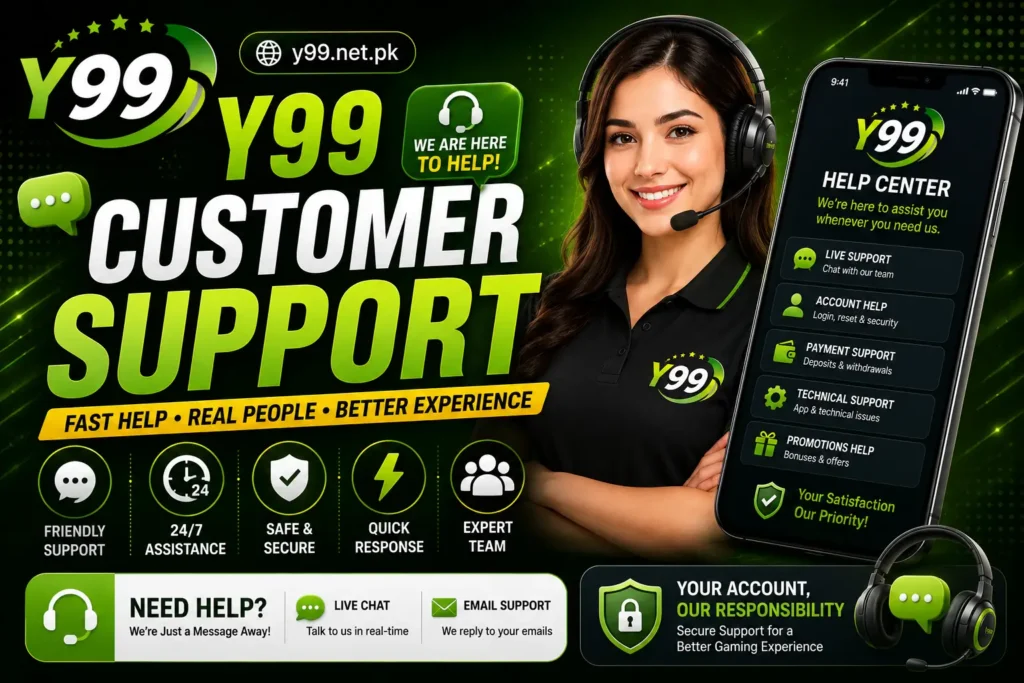
The support service can guide common account and platform-related concerns. Depending on the available support channels, users may be directed toward a help section, online assistance, or another official contact method.
Before sending a request, explain the problem clearly instead of submitting a very short message such as “my account is not working.” Mention what you were trying to do, what happened, and whether an error message appeared.
Information to Include in Your Request
A well-written support request can save time.
Consider including:
- Your registered mobile number or account identifier, when appropriate.
- A brief description of the issue.
- The date and approximate time the problem occurred.
- A transaction reference if the issue concerns a payment.
- A screenshot of an error message when useful.
Only provide information that the legitimate support channel actually requires.
Login and Account Problems
If you cannot access your Y99 account, first check whether your mobile number and password were entered correctly. Also make sure your internet connection is working properly.
For forgotten credentials, use the platform’s available recovery procedure instead of creating multiple accounts. If recovery does not work, Y99 Customer Support may be able to explain the next verification step.
Never send your password or one-time verification code to another person.
Deposit or Withdrawal Assistance
Payment issues can require additional checking because several factors may affect transaction processing.
Before contacting support about a deposit or withdrawal, check:
- Whether the payment was successfully submitted
- Your wallet or transaction history
- The selected payment method
- Any applicable limits
- Whether verification is required
- The current transaction status
If money has been deducted but the balance has not updated, keep your payment reference and contact the appropriate support channel.
Technical Issues
Some problems may be caused by the device, browser, internet connection, or application version rather than the account itself.
You can try:
- Restarting the Y99 App
- Checking your internet connection
- Clearing browser cache where applicable
- Updating the application
- Restarting your device
- Trying a supported browser or device
If the problem continues, describe the steps that caused it when contacting support.
Protect Yourself From Fake Support Accounts
One of the most important precautions is making sure you are communicating with the legitimate support service.
Be careful with anyone who:
- Requests your password
- Asks for your OTP
- Promises guaranteed winnings
- Requests unnecessary payments
- Claims they can unlock an account for a fee
- Contacts you through an unverified profile
Use only the support channels provided through the legitimate platform.
What Makes a Good Support Request?
Keep your message short but informative. For example, explain the exact problem instead of sending several unrelated messages.
A useful request might include the issue, transaction reference if relevant, and a screenshot showing the error. This gives the support team enough context to investigate without requiring unnecessary back-and-forth.
Y99 Customer Support Response Time
Response times can vary depending on the type of enquiry, support workload, verification requirements, and communication channel being used. Payment-related matters may also require additional processing before a final response can be provided.
If you have already submitted a request, avoid repeatedly sending identical messages because this can make the conversation harder to track.
Final Thoughts
Y99 Customer Support can be useful when users encounter account, payment, technical, or verification problems that cannot be resolved through normal account settings. The best approach is to identify the issue first, collect the relevant details, and contact support through a legitimate channel.
Whether you are using Y 99 on a mobile device or through supported browser access, always protect your login credentials and payment information. Good security habits can prevent many account problems before they require assistance.