
How to Delete Y99 Account?
Sometimes users decide to leave an online gaming platform because they no longer need the account, want to take a break, or simply prefer not to keep an unused profile. If you are looking for a way to Delete Y99 Account, it is important to first review your balance, pending transactions, and any information connected with the profile.
Closing an account is different from simply uninstalling an application. Removing the Y99 app from your phone does not necessarily remove the account itself. Before requesting closure, make sure you understand what happens to your account information and any outstanding activity.
What to Check Before You Delete Y99 Account
Before starting the closure process, take a few minutes to check your account.
Make sure you:
- Complete or cancel any pending transactions.
- Check your available balance.
- Review pending withdrawal requests.
- Save important transaction references if needed.
- Use any eligible promotional benefits according to their terms.
- Keep a record of information you may need for future support.
If you have an unresolved payment issue, contacting support before closing the account may be more appropriate.
How to Delete Y99 Account?
The exact account-closure process may depend on the current version of the platform and its available support options. If there is no direct delete button inside your account, contacting customer support is generally the practical approach.
Follow these steps:
- Log in to your Y99 account.
- Open the account, settings, or help section.
- Look for an account closure or deactivation option.
- If no such option is available, contact the official support channel.
- Explain that you want to permanently close your account.
- Provide only the information required to verify ownership.
- Follow the instructions provided by support.
- Confirm the closure once you understand the consequences.
Never send your password, OTP, PIN, or other confidential security codes to another person claiming to help with account deletion.
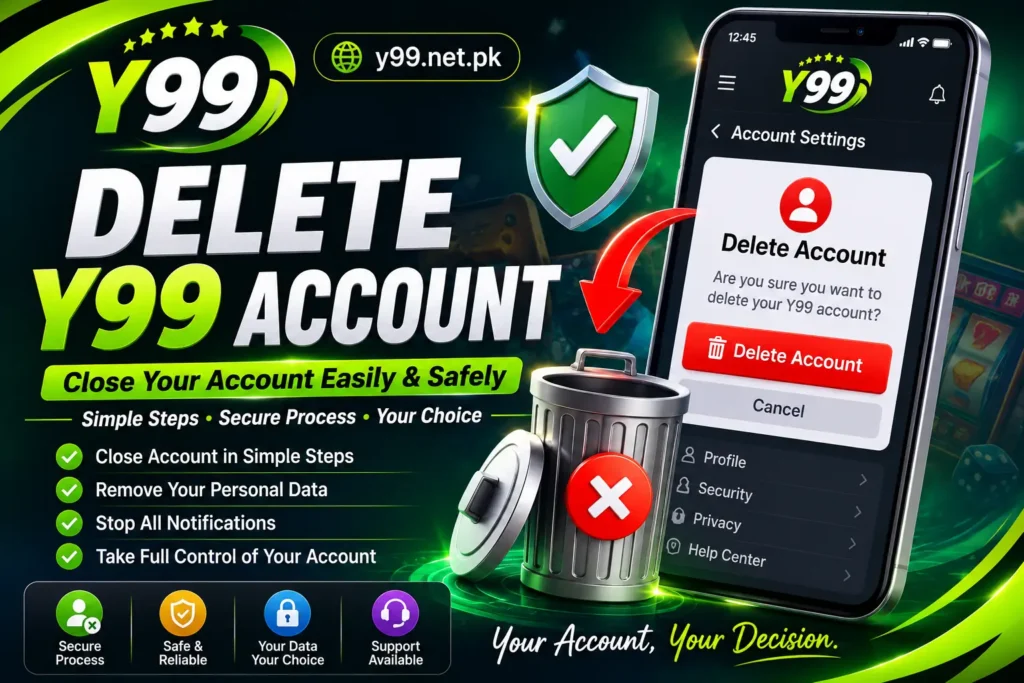
Can You Delete the Account Through the App?
The availability of a direct deletion option can vary between versions of the Y99 platform. Some services provide account-management controls inside the application, while others require users to contact support.
For this reason, check your current account settings rather than following an outdated tutorial. If you cannot find a closure option, use the platform’s legitimate support method.
What Happens After Account Closure?
Once you Delete Y99 Account, access to the profile may no longer be available. Depending on the platform’s policies, certain records may also be retained for legal, security, or transaction-related reasons.
Before confirming the request, ask support whether:
- Your account can be reopened later.
- Remaining funds need to be withdrawn first.
- Transaction records will remain accessible.
- Personal information will be removed or retained.
- The closure is permanent.
Understanding these points can prevent confusion later.
Delete Y99 Account or Just Uninstall the App?
These are two different actions.
Uninstalling Y99 from your Android phone only removes the application from that device. Your online profile may continue to exist.
If your goal is to permanently stop using the service, you should follow the account-closure procedure rather than simply deleting the application from your phone.
What If You Cannot Access Your Account?
If you have forgotten your password or lost access to the registered number, explain the situation to customer support. Account ownership may need to be verified before a closure request can be processed.
Do not create another account simply to avoid the original profile, especially if there are pending transactions or verification issues.
Important Safety Tips
When requesting to Delete Y99 Game Account, protect your personal information throughout the process.
- Use only official support channels.
- Never share passwords or OTPs.
- Avoid third-party account-deletion services.
- Do not pay someone who claims they can instantly close your account.
- Keep confirmation messages or screenshots related to the request.
- Check your payment accounts for any pending activity.
These precautions apply to Y99 and other online platforms as well.
Final Thoughts
If you no longer want to use the service, you can request to Delete Y99 Account through the available account-management or support process. The safest approach is to settle pending transactions, review your balance, understand the closure conditions, and then submit the request through a legitimate channel.
Remember that removing the Y99 Game application from your phone is not necessarily the same as closing your online profile. If account deletion is your actual goal, confirm the closure directly and keep any relevant confirmation for your records.
Frequently Asked Questions
Does uninstalling Y 99 delete my account?
No. Removing the application from your device does not necessarily close the online account.
What should I do with my remaining balance?
Check the current withdrawal requirements and resolve any outstanding balance before requesting account closure.
Can I recover a closed account?
That depends on the platform’s current account policy. Ask support whether closure is temporary or permanent before confirming your request.
Is account deletion immediate?
Not necessarily. Processing time can depend on account verification, pending transactions, and the platform’s current procedures.
Should I use a third-party service to close my account?
No. Use the platform’s legitimate support or account-management options and avoid giving account credentials to third parties.
Can I Delete Y99 Account without logging in?
If you cannot access your account, you may need to contact support and complete an ownership-verification process before the request can be handled.