
Y99 Withdraw – Transfer Your Earnings Safely
Receiving your funds should be just as straightforward as adding them to your account. Y99 Withdraw process is designed to help users transfer their available balance through supported payment methods after completing the required verification steps. By following the correct procedure, most requests can be submitted in only a few minutes.
Before requesting a payout, it is important to confirm that your account information is accurate. Using the correct payment details and reviewing your request carefully can help reduce delays and make the transfer process smoother from start to finish.
Supported Withdrawal Methods
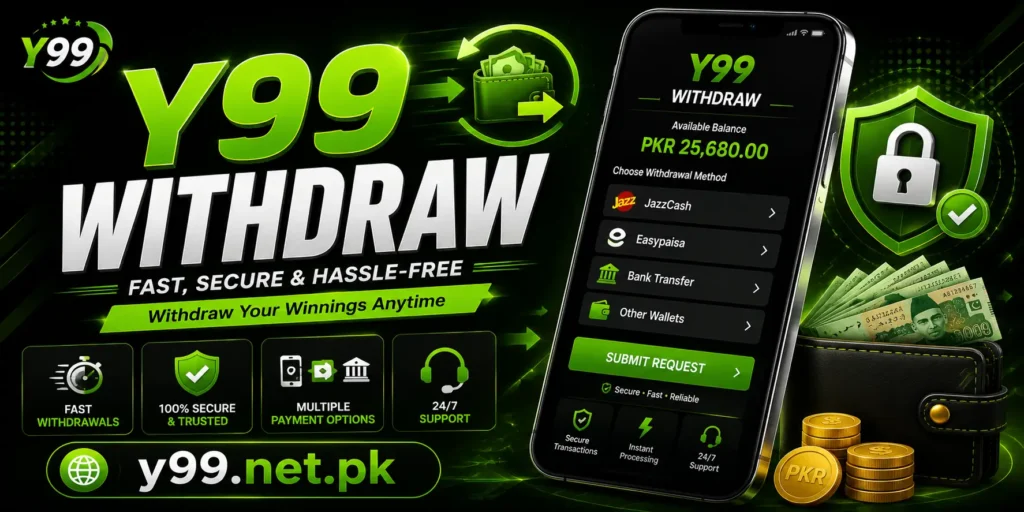
Users can usually choose from several local payment options when requesting a payout.
Common methods include:
- JazzCash
- Easypaisa
- Bank Transfer
- Other supported digital wallets
The available options may vary depending on account settings or platform updates.
How to Request a Withdrawal
Y99 Withdraw procedure is simple when the required information has already been verified.
- Sign in to your account.
- Open the Wallet section.
- Select Withdraw.
- Choose your preferred payment method.
- Enter the amount you wish to receive.
- Provide the correct payment details.
- Review the information carefully.
- Submit the request.
After submission, your request enters the review stage before being processed.
Important Checks Before Submitting
A few quick checks can help prevent unnecessary problems.
- Verify your wallet or bank details.
- Make sure your account has sufficient withdrawable balance.
- Complete any required identity verification.
- Check the minimum and maximum withdrawal limits.
- Keep your registered mobile number active.
Taking these precautions can make the Y99 withdrawal process much easier.
Why a Y99 Withdrawal May Be Delayed
Occasionally, payouts can take longer than expected. This does not always indicate a problem, as several factors can affect processing time.
|
Reason |
What You Can Do |
|---|---|
|
Incorrect payment details |
Update your information before submitting another request. |
|
Verification pending |
Complete the required account verification. |
|
High transaction volume |
Wait for the payment queue to be processed. |
|
Banking or wallet delays |
Check with your payment provider if necessary. |
Avoid submitting multiple requests for the same payment while one is already being processed.
Track Your Request on Y 99 Game
Most users can monitor the status of their payment through the transaction history section.
Typical statuses include:
- Pending
- Processing
- Completed
- Rejected
Checking this section regularly provides a clearer picture of where your request stands without contacting support immediately.
Safety Tips for Withdrawals
Keeping your account secure is just as important during payouts as it is during deposits.
- Never share your OTP with anyone.
- Use only your own payment account.
- Review payment details before confirming.
- Save the transaction reference if one is provided.
- Sign out after using a shared device.
For added security, access your account through the official website, y99.net.pk, whenever you submit a payment request.
Final Thoughts
Y99 Withdraw system provides a convenient way to receive funds through familiar payment services. By entering accurate information, completing account verification, and checking your payment details before submission, you can reduce the chances of unnecessary delays.
If your request takes longer than expected, review your transaction history first and confirm that all account information is correct. Following these simple practices helps make the Y99 withdrawal experience safer and more reliable while giving you greater confidence when managing your account.
Frequently Asked Questions
Can I change my payment method before submitting a request?
Yes. As long as the request has not been submitted, you can normally select another available payment method.
What should I do if I entered the wrong wallet number?
Do not submit another request. Contact customer support immediately and explain the situation with the relevant transaction details.
Can I check the status of my payout?
Yes. The transaction history section usually shows whether your request is pending, processing, completed, or rejected.
Is account verification required before withdrawing cash on Y99 Game?
Some accounts may need verification before payments can be processed, depending on the platform’s current requirements.