
Y99 Register – Create Your Account in a Few Simple Steps
Getting started on Y99 begins with creating your own account. The registration process is designed to be straightforward, allowing new users to join without completing long forms or complicated verification steps. Once your Y99 Register (Account) is ready, you can explore the platform, manage your profile, and access available features from a single dashboard.
A smooth registration experience is important for anyone joining a new platform, and the account setup has been designed with that in mind. From mobile verification to creating a secure password, each step is simple to follow and requires only a few minutes to complete. Once your registration is successful, you can sign in to your account, personalise your profile, and start exploring the services available to registered members.
Why Y99 Register is Mandatory?
A registered account gives you access to features that are not available to guest visitors. It also allows you to manage your personal information securely and keep all account activity in one place.
Some benefits include:
- Access to the full platform.
- Personal account management.
- Wallet and transaction history.
- Promotional offers for registered members.
- Faster customer support assistance.
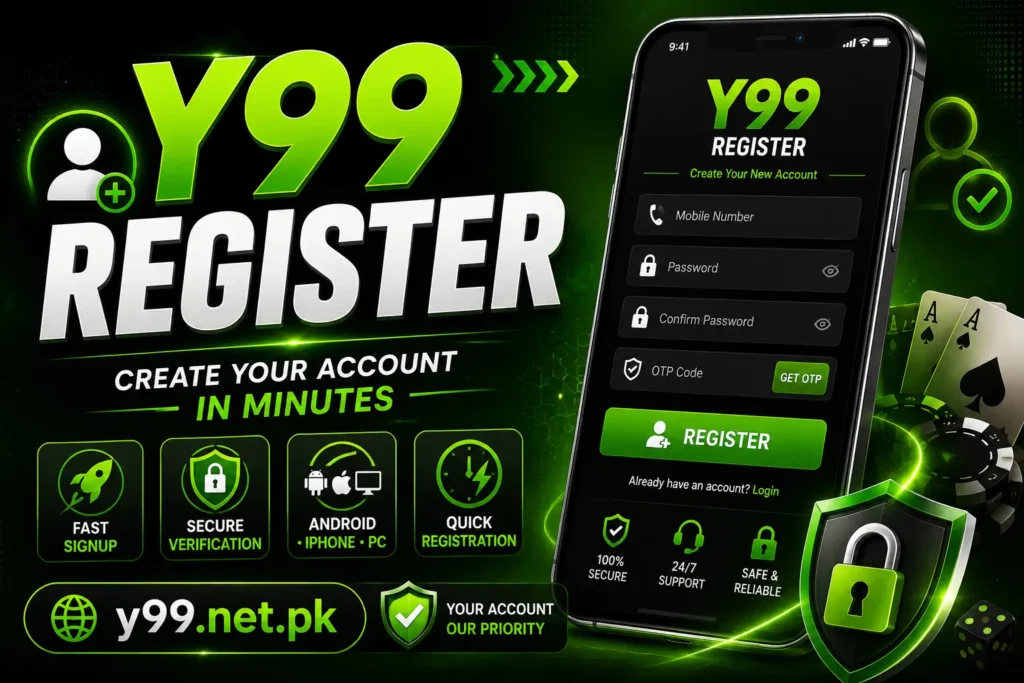
How to Register on Android?
If you’re using an Android device, creating an account only takes a few minutes.
- Open the official Y99 website or application.
- Tap the Y99 Register button.
- Enter your mobile number.
- Create a strong password.
- Complete the OTP verification.
- Accept the platform’s terms.
- Submit the registration form.
After successful verification, your account will be ready to use.
Registration on iPhone
iPhone users can complete the same process through a supported browser.
Simply visit y99.net.pk, open the registration page, fill in the required details, verify your mobile number, and complete your account setup.
The browser version provides a smooth experience without requiring a separate installation.
Information You Should Enter Carefully
Before completing registration, review your details to avoid future account problems.
Make sure that:
- Your mobile number is active.
- The password is easy for you to remember but difficult for others to guess.
- All information is entered correctly before submission.
- You keep your login details private.
Taking a few extra seconds during registration can help prevent account recovery issues later.
Common Y99 Registration Problems
Although registration is usually quick, some users may experience small issues.
|
Issue |
Solution |
|---|---|
|
OTP not received |
Wait a moment and request another verification code. |
|
Invalid mobile number |
Check that the number has been entered correctly. |
|
Weak password |
Create a stronger password using letters and numbers. |
|
Registration not completing |
Refresh the page and try again using a stable internet connection. |
Tips for New Members
Once your account has been created, these simple practices can improve your experience.
- Complete your profile if additional details are requested.
- Keep your password confidential.
- Check for new announcements and promotions regularly.
- Update your contact information whenever necessary.
- Log out after using a shared device.
These habits help keep your account secure while making it easier to manage over time.
Final Thoughts
Creating an account on Y99 Game is the first step toward exploring everything the platform offers. The registration process has been designed to be simple for both beginners and experienced users, making it possible to get started in just a few minutes. For the safest experience, always register through the official website and make sure your personal information is entered accurately.
Frequently Asked Questions
Is registration free?
Yes. Creating a new account is free.
Can I register using my mobile phone?
Yes. Android and iPhone users can complete the registration process using their devices.
What happens if I enter the wrong mobile number?
You may not receive the verification code, so it’s important to double-check your information before submitting the form.
Can I change my password later?
Yes. You can normally update your password from your account settings after signing in.